
123FormBuilder Knowledge Base
Search our documentation platform for answers, service specifications and 3rd-party integrations.
Translations for multilingual forms on 123FormBuilder
Creating a multilingual form is easy with our web form builder, which supports multiple languages. These can be set up in your form’s Language section.
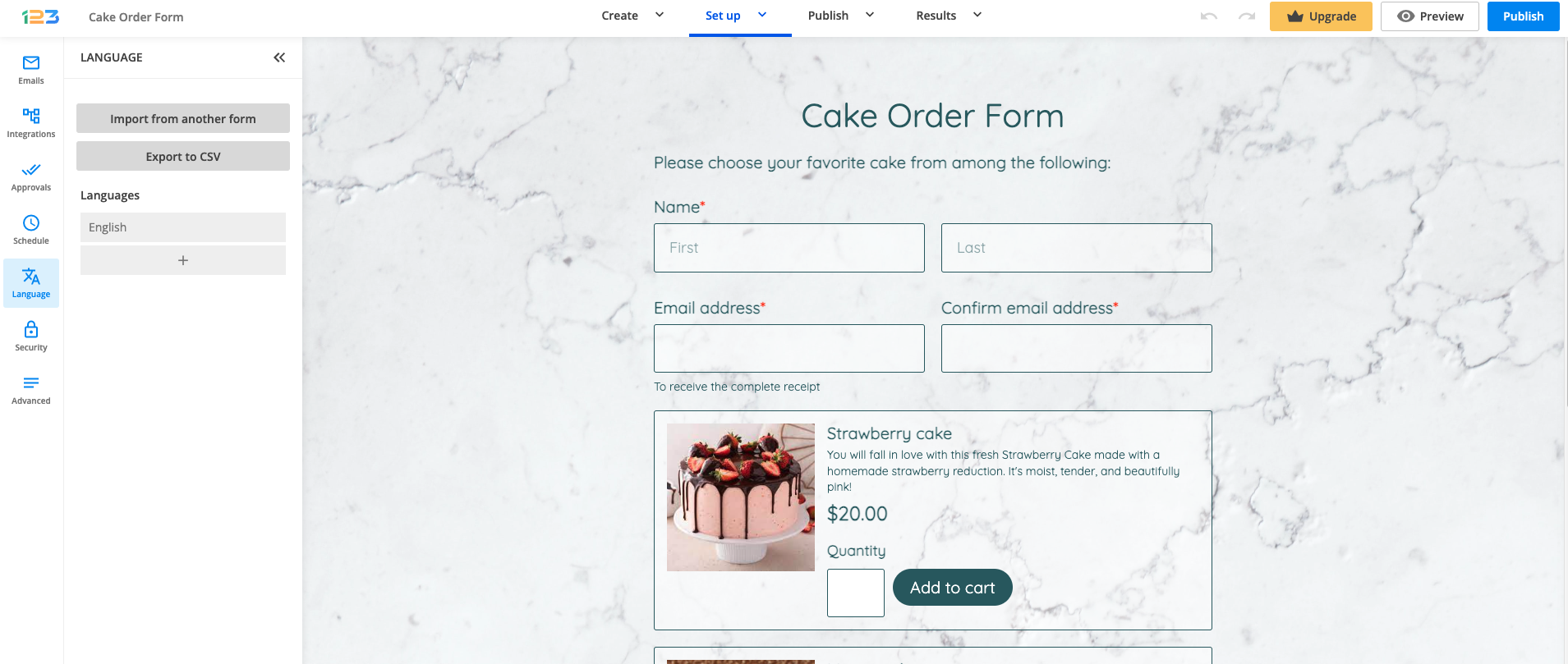
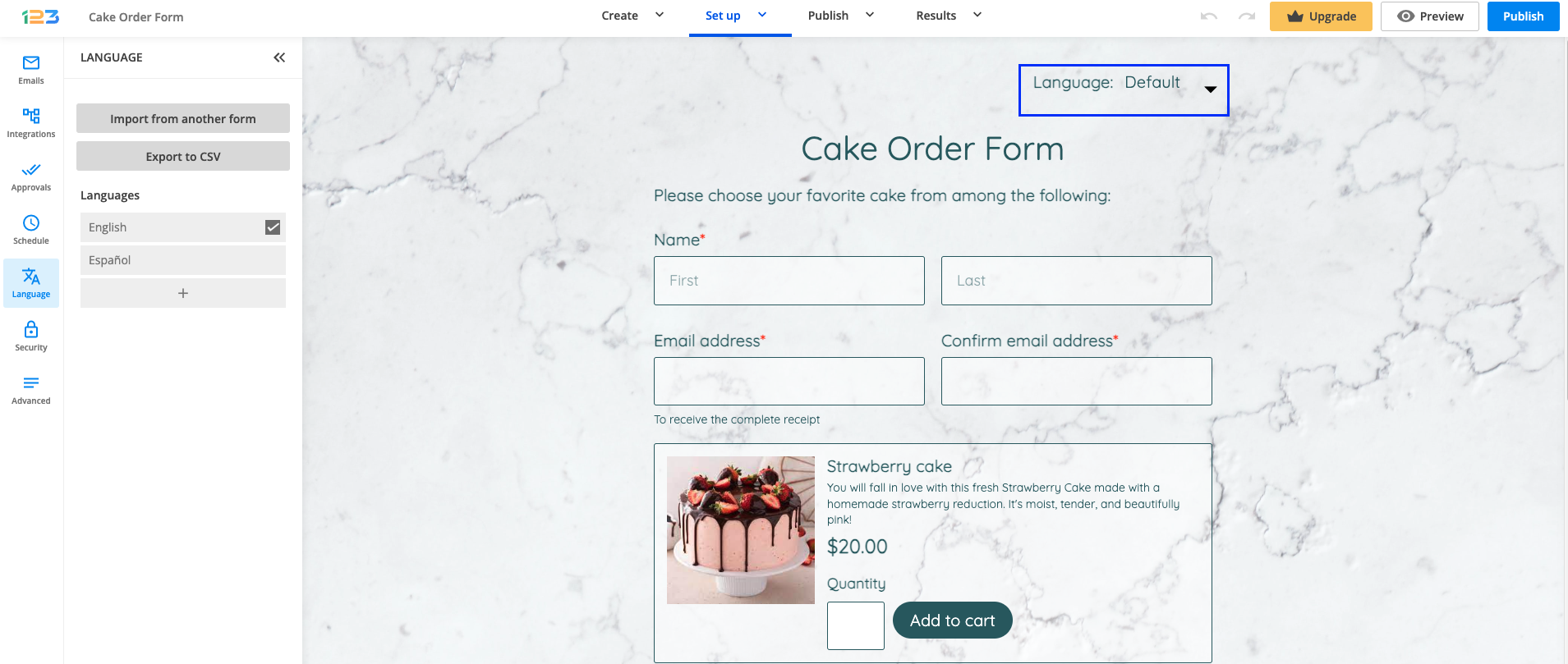
This feature greatly enhances form usability as it helps you address users of different languages at the same time. The dropdown list containing languages shows up in the top-right corner of your web form. Multilingual forms can be set up very easily and intuitively.
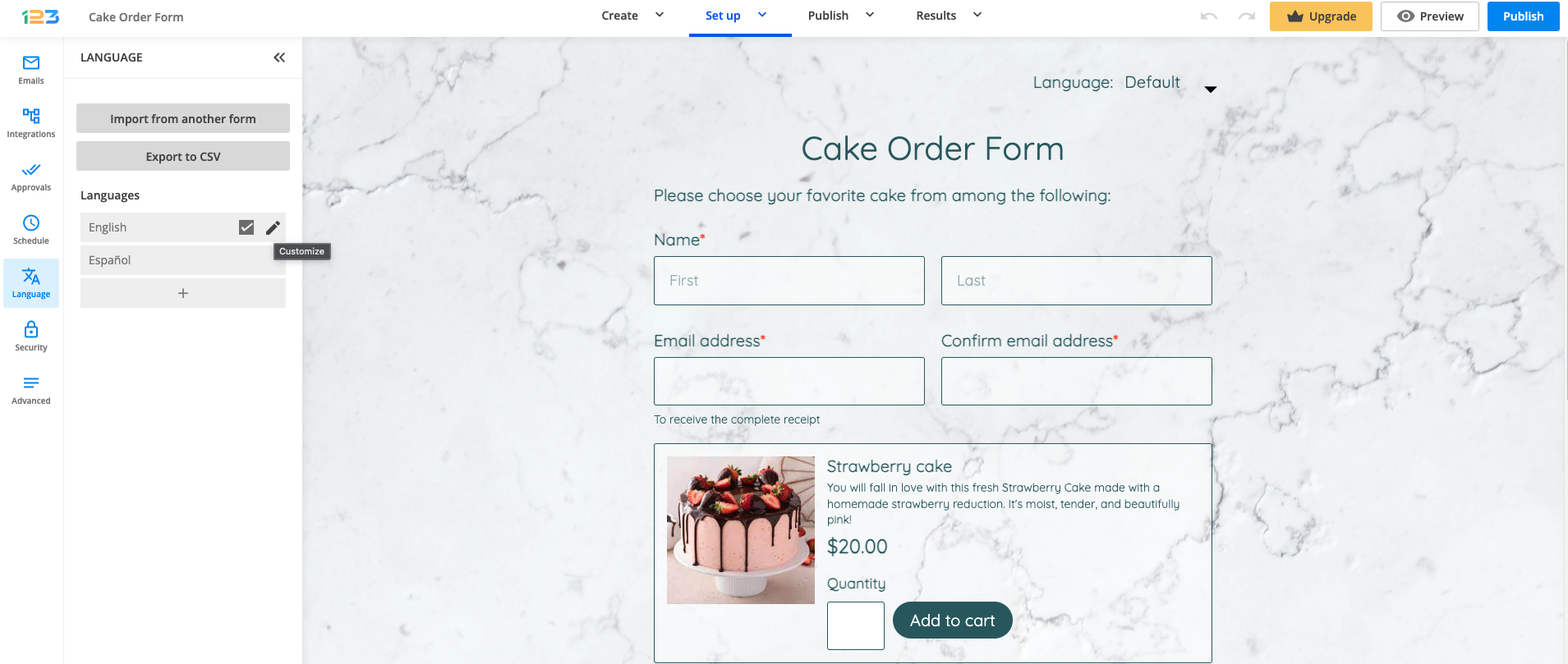
Once you have added a language to your form, you’ll need to type in the translations in the Customize language lightbox. To customize a language, hover over its line and press the Customize button.
Some languages, such as German, Dutch, or Spanish have built-in translations, but the majority do not. Each time you add a language, use the Customize button to translate the fields and the messages that appear on the form.
You can also customize your translations with HTML coding to change the style of the text from your web form. Read more on how to create multiple language forms.
4 comments
Leave a Reply
Similar Articles
Frequently Asked Questions
Here is a list of the most frequently asked questions. For more FAQs, please browse through the FAQs page.
Will the submission data be translated? Is that part of the functionality?
Hello Jen, the data collected through your forms cannot be translated. The Translations functionality applies only to your form fields and system messages. Have a wonderful day!
Can you add Arabic to the languages supported?
Hello.
Note that we have the Arabic language available in the Translations section.
You can add it to your form and click on the Customize button in order to translatie the fields in the right side boxes.
For any further assistance, please do not hesitate to email our Support team at support@123formbuilder.com, or, through our contact form.
Thanks.